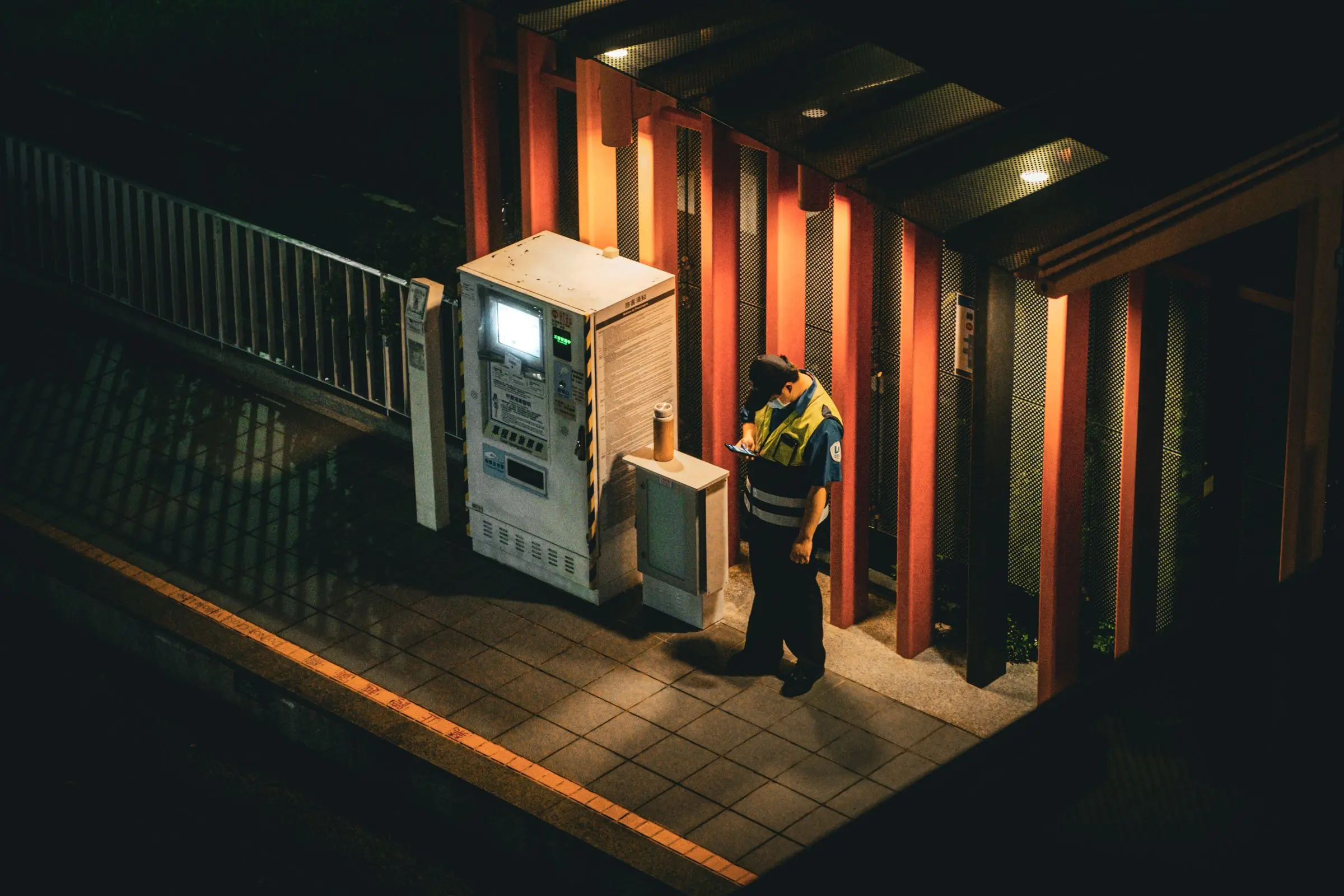
Every patrol documented. Every client report sent automatically.
Guards scan QR checkpoints on iPhone, Android or the web, even with no signal. You get an email when a round is missed. Each client gets a branded report by email every morning, at the time you choose.
14-day free trial. No card. Built for security companies with 5 to 30 guards.
- Report sent to clientDelivered
- Main gateScanned
- Parking lot B (late)Scanned
- Parking lot BMissed
Your client asks if the guard did the rounds. Can you prove it?
Reports go missing
A guard writes it up in a stairwell with no signal, the app freezes, and the report is gone.
Rounds can't be proven
A signature on a clipboard does not show when the guard was at the loading dock.
Reporting eats your morning
Someone retypes notes and photos into an email for every client, every day.
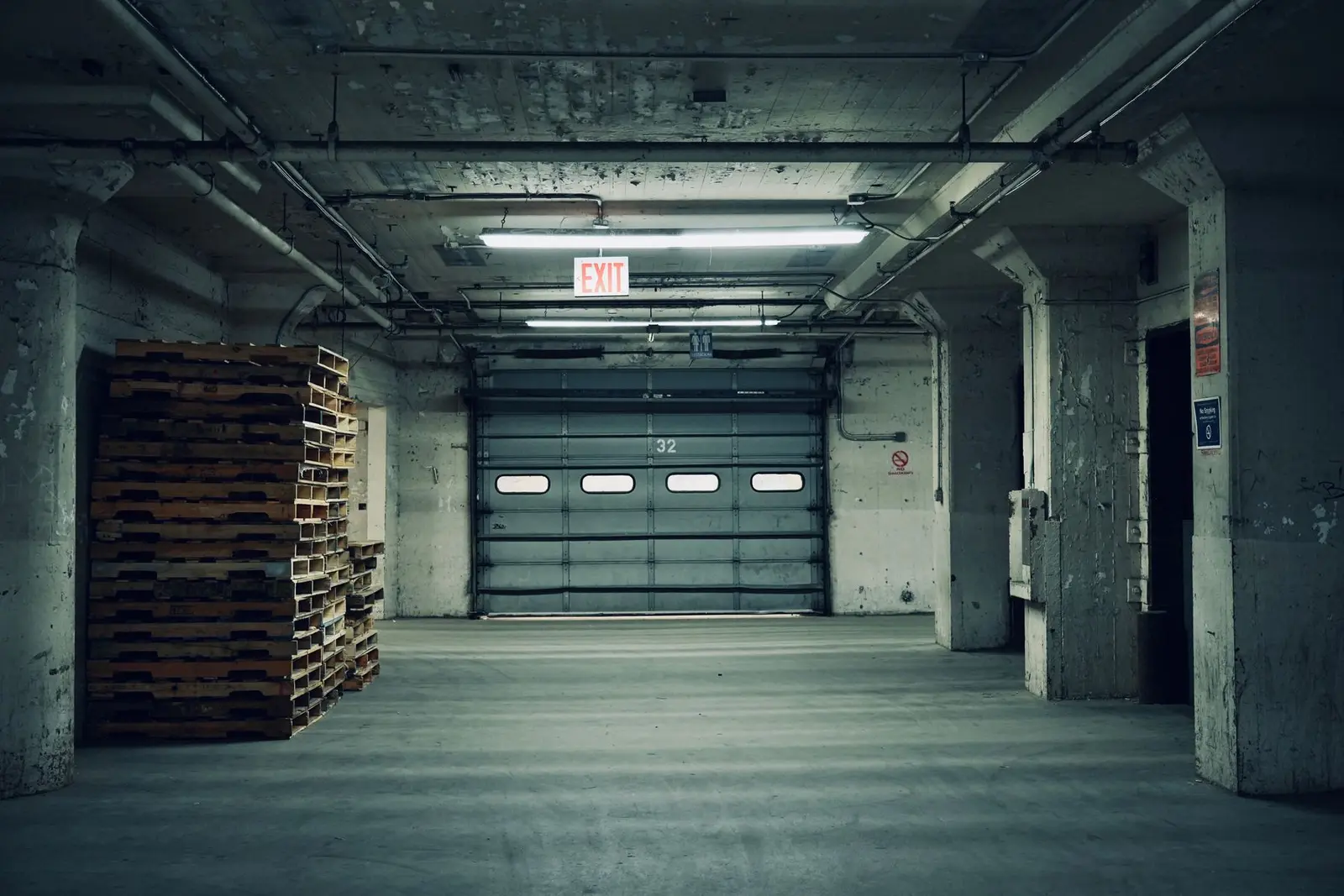
Roll-up door was unlocked during the 01:00 round. No sign of entry. Locked it and logged it.
How the guard tour system works
From a label on the wall to a report in your client's inbox, in three steps.
Print your checkpoint labels
Add a site and its checkpoints, then print the QR labels from the same page. Stick them up and scan each one once to test it. About 10 minutes per site.
- Labels in 4 sizes, or discreet labels that do not name the spot
- Import sites, checkpoints and guards from a CSV file
- Pin checkpoints on a floor plan or site map
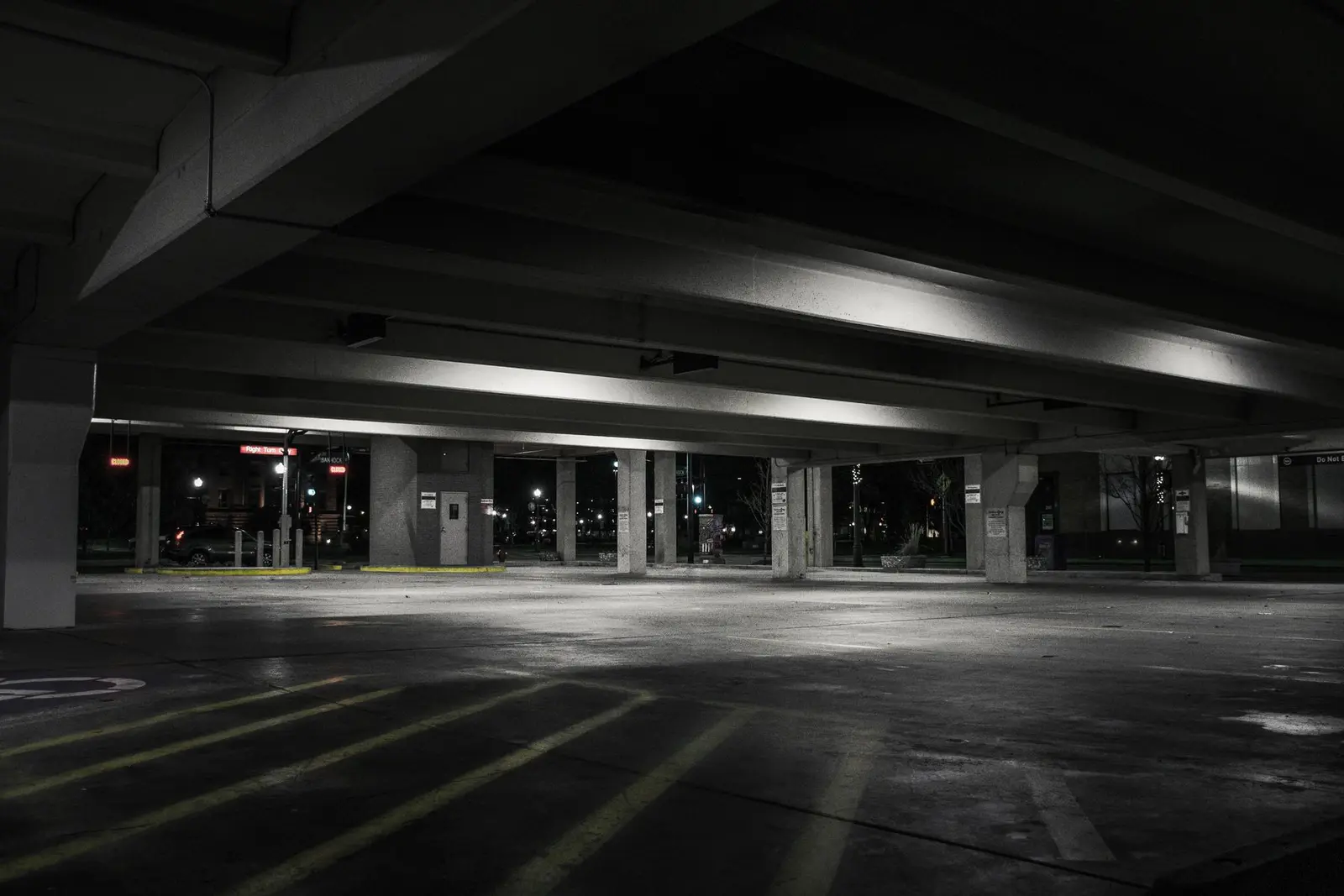
Guards scan on every round
Guards set up the app from a text link and stay signed in. At shift start they confirm the post orders. On each round they scan every label. A checkpoint can show instructions or ask a yes/no question, like “Door locked?”, and a wrong answer goes on the report as an exception. Incidents take a minute: pick a type, add a note and photos.
- Works in basements, stairwells and airplane mode
- “I’m OK” check-ins for guards who work alone
- Shift handover notes for the next guard
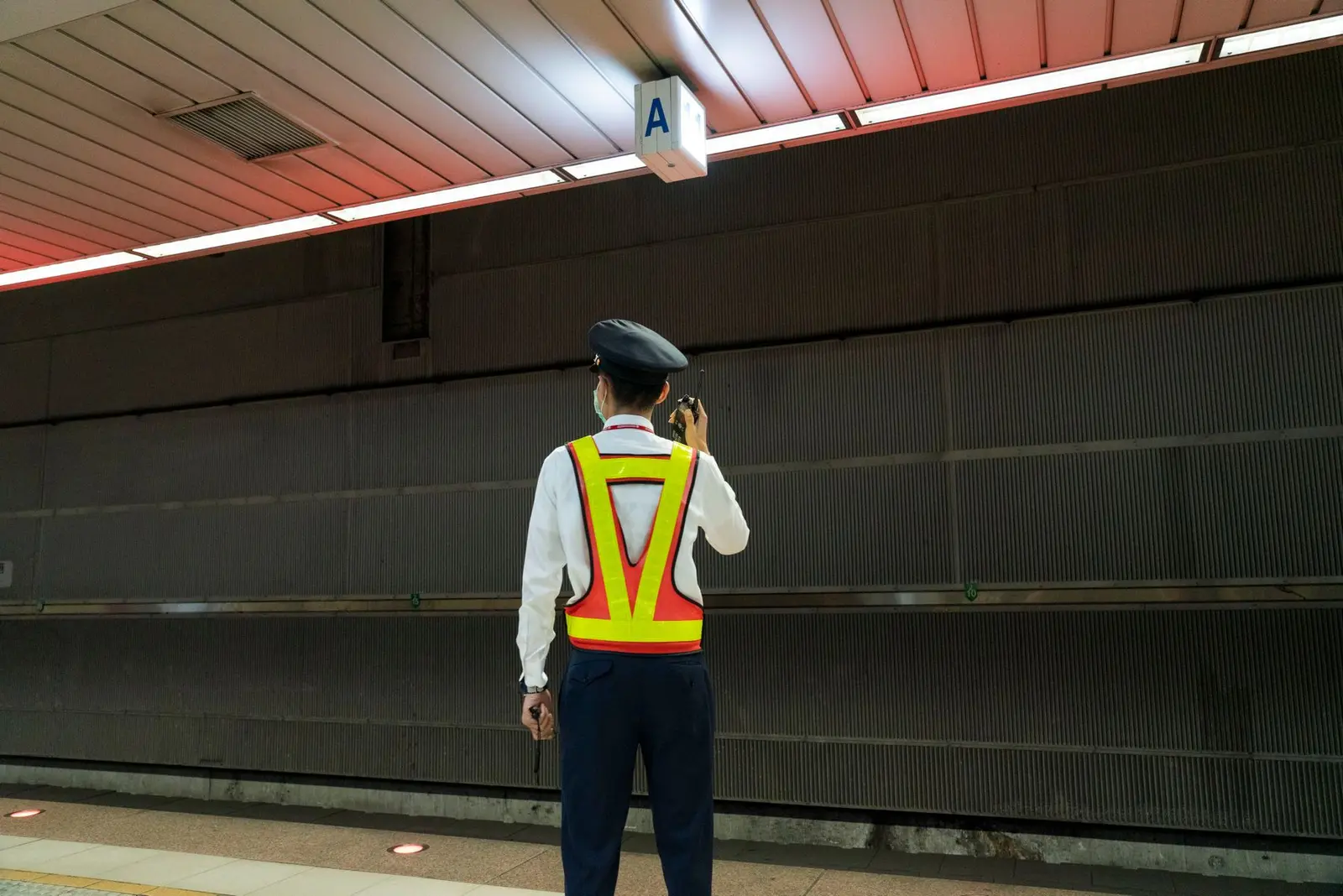
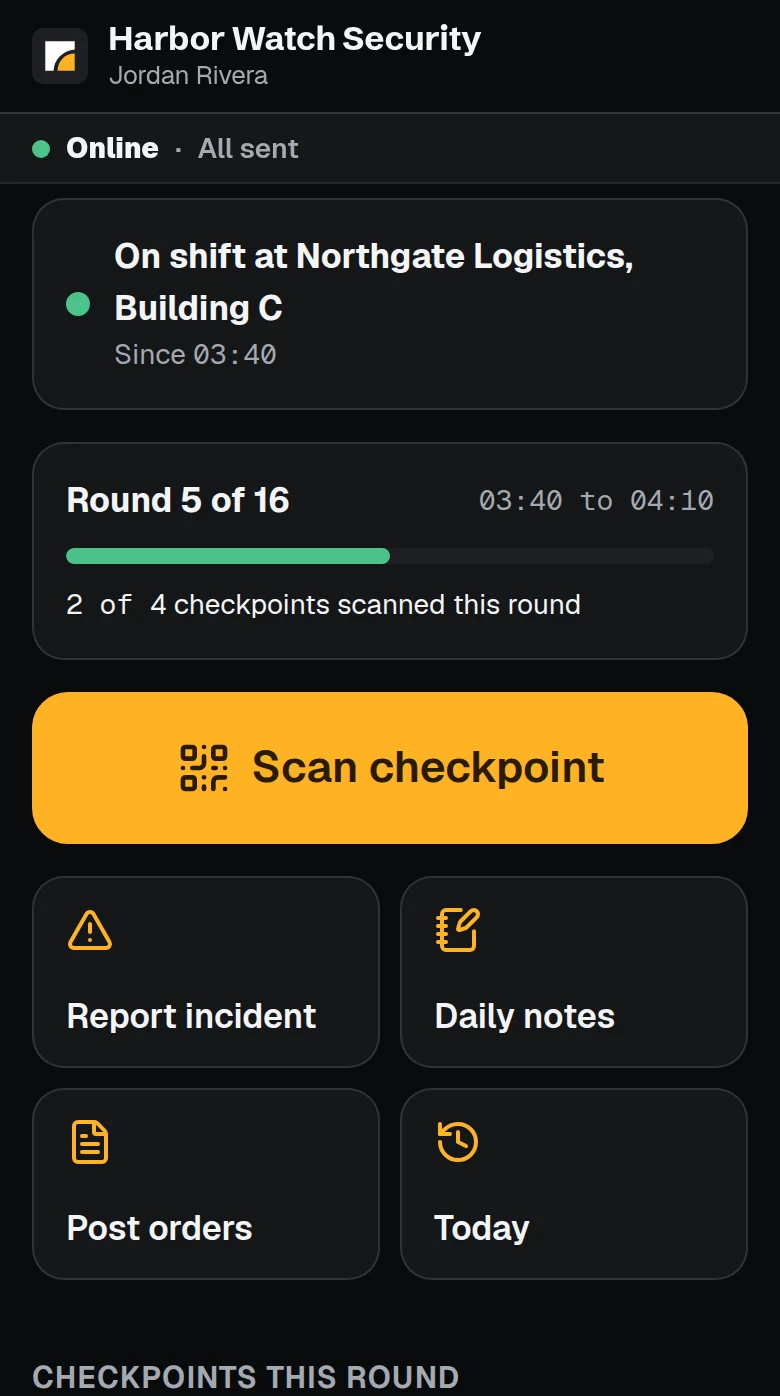
Clients get the report every morning
After each night, PatrolSheet builds a report with your logo: rounds, scan times, missed checkpoints, exceptions and incidents with photos. It goes to each client's contacts as a plain email with the PDF attached, at the time you set. You see when each one was sent.
- Missed rounds email you during the shift, not the next day
- Approve each report before it goes, if you want
- A monthly summary for each client, automatically

Good morning. Last night: 7 of 8 rounds done, 1 missed round, 2 incidents. The full report is attached.
2 pages
Every site, live, on one screen
Rounds done and missed, who is on shift, the last scan at every checkpoint and the latest incidents. Open it at 3 a.m. or at 9.
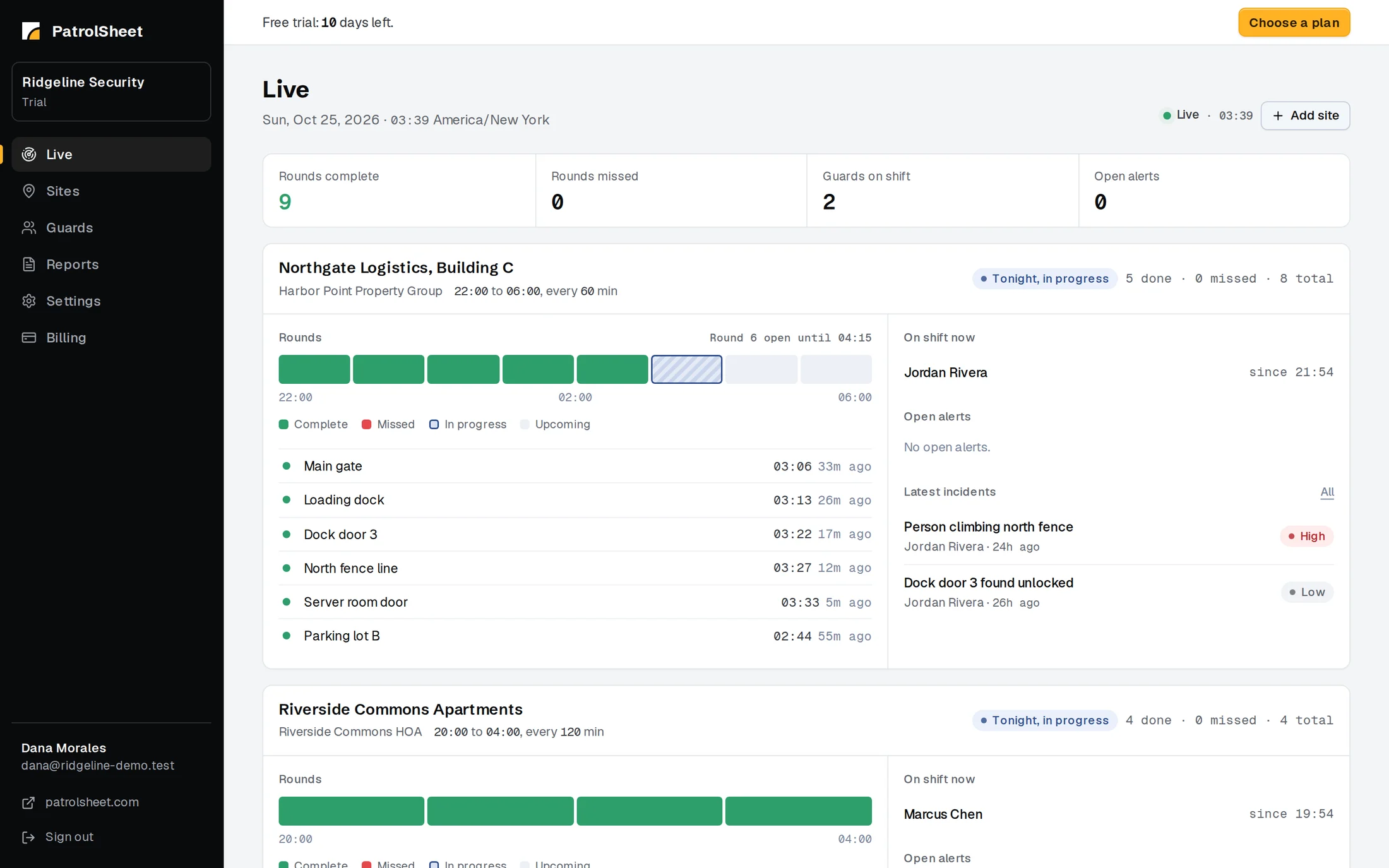
The real dashboard, shown with a demo company.
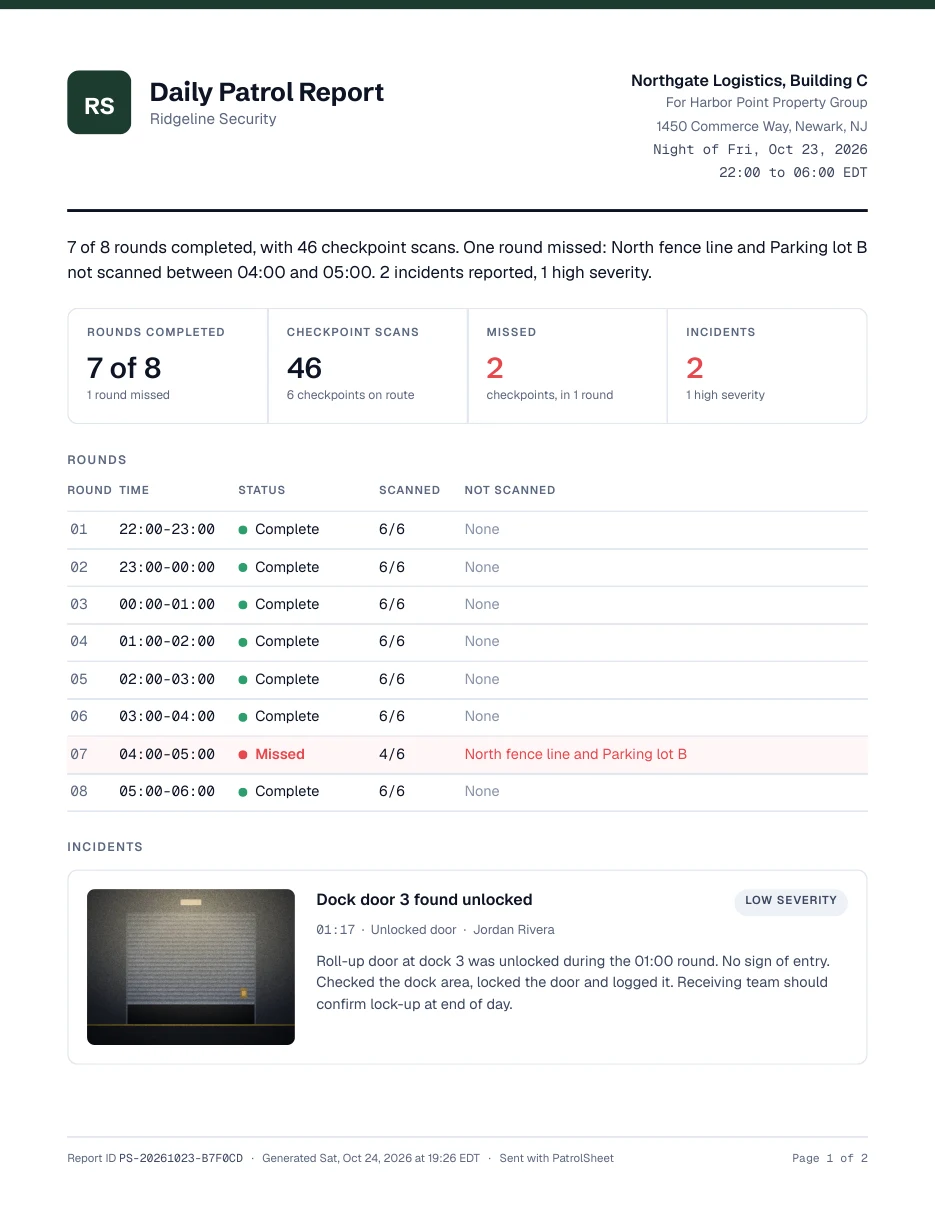
The daily client report your clients actually read
This is what lands in your client's inbox every morning, with your company name and logo. It is the part of your service they see most.
- Every round with its time and status
- Missed checkpoints named, not hidden
- Incidents with photos and the guard's notes
- The site map with each checkpoint marked
Security guard software that does more than scans
Everything below is in every plan.
Client link
A read-only page for each site with every night's report and the monthly summary. No login for the client. Turn it off any time.
Five report types
Incident, maintenance, parking, visitor and vehicle patrol, plus daily activity notes. Guards take a photo or pick one from the phone.
AI report writer
Optional. A rough note becomes a clear report in one tap. The guard checks it first, and the original note is kept.
Site map
Pin checkpoints on your floor plan. Guards see where to go, and the client report shows what was scanned.
Licenses and training
Track guard cards, firearm permits, CPR and training hours. Get an email before anything expires.
State report reminders
Some incidents need a report to the state, like a California BSIS use-of-force report (7 business days). You get a reminder before the deadline.
Alerts you choose
Missed rounds, high-severity incidents and late check-ins. Each person picks their alerts, and each site can turn missed-round alerts off.
Hours export
Shift hours per guard and site as a CSV file you can open in Excel or use for payroll.
Built so nothing gets lost
Reliability is the whole product. These are the rules PatrolSheet is built on.
Offline first
Every action is saved on the phone before anything else, with the time it happened. Photos stay on the phone until upload is confirmed.
Missed-round alerts
If a checkpoint is not scanned on time, you get an email while there is still time to act.
Nothing overwritten
Edits never overwrite. Every change shows who, when and what changed, so you can answer a client's or an insurer's questions.
Your data stays yours
Each company's data is kept separate, never used to train AI, and exportable at any time. Location only at shift start, shift end and checkpoint scans, and only if the guard allows it.
Simple monthly pricing
Every plan includes every feature. Pick the size that fits your company. No setup fee, no contract.
14-day free trial, no card. More than 30 guards? Email us for a custom plan.
Questions owners ask
Something else? Email support@patrolsheet.com.
What happens when a guard has no signal?
Every scan, note and photo is saved on the phone first, with the time it happened. Each item shows Saved or Sent, so the guard always knows where it is. It sends when signal comes back. If the app closes or the phone restarts, nothing is lost. A photo stays on the phone until the server confirms it has it.
Does it work on iPhone and Android?
Yes. Guards use the PatrolSheet app on iPhone or Android, or open the same app in the phone's web browser. It works on the guard's own phone or a company phone. No special hardware: you print the QR labels from your dashboard, or ask and we mail a weatherproof pack.
How long does setup take?
About 10 minutes per site. Add the site, add checkpoints (or import them from a CSV file), print the QR labels and send each guard an invite link by text. The first daily client report goes out after the first night of patrols.
When does the client get the report?
At the time you set for each site. The default is 06:30 in the site's time zone. You can also turn on approve before send, so you check each report before your client gets it.
Can my client see reports without asking me?
Yes, if you want. Each site can have a client link: a read-only page with every night's report, the monthly summary and the site map. The client needs no login. You can turn the link off at any time.
What does the AI writer do with our reports?
It is optional. A guard types or dictates a rough note and taps “Write it up for me” to get a clear draft. The guard reads it and chooses to use it or keep their own words. The original note is always kept with the report. We send only the note and the report details to the AI provider, never phone numbers or emails, and it may not use them to train AI.
Can a guard fake a scan by typing the code?
Guards can type a checkpoint code when a label is damaged. You can turn typed codes off for your company, so only a camera scan counts. Every scan records how it was made, and you can print discreet labels that do not name the checkpoint.
What is the site map?
Upload a floor plan, a site drawing or a map screenshot, then pin each checkpoint on it. Guards see the map in the app, you see it in the dashboard, and the client report shows which checkpoints were scanned.
Is the “I’m OK” check-in a panic button?
No. It is a lone-worker check-in. The guard taps I’m OK every set number of minutes. If a check-in is more than 10 minutes late, you get an email. Nobody watches it around the clock, so it does not replace 911 or a monitoring service.
Will my guards get logged out?
No. A guard signs in once with the invite link and stays signed in on that phone until you remove them.
Is guard location tracked all shift?
No. PatrolSheet records a guard's location only at shift start, shift end and each checkpoint scan, and only if the guard allows it. Never in between, and never off shift.
Can I edit a report after the fact?
Yes. Edits never overwrite. Every change shows who made it, when, and what changed, and the earlier versions stay on record.
Switching from another app?
Import your sites, checkpoints and guards from a CSV file, print new QR labels, and run both apps side by side for a night or two. The trial is long enough to compare the reports your clients get. Records in your old app stay there, so export them before you cancel it.
What happens to my data if I stop paying?
Nothing is deleted. Guards keep scanning and every scan and report is kept. The dashboard and client reports pause until you pick a plan. You can export all your data at any time, also after the trial ends.
How does the free trial work?
Sign up and start straight away. The trial lasts 14 days and needs no card. At the end you pick a plan to keep going.
Is there a contract?
No. Plans are month to month with no setup fee. Cancel any time.